3 ONERA M6 GUI quickstart
Draft workflow pending end-to-end validation
This page is reserved for a quickstart that imports the ONERA M6 wing example into Wake CFD Desktop, configures and runs it, then reviews the results. The workspace below is current, but the complete step sequence still requires end-to-end GUI validation and additional run/result captures.
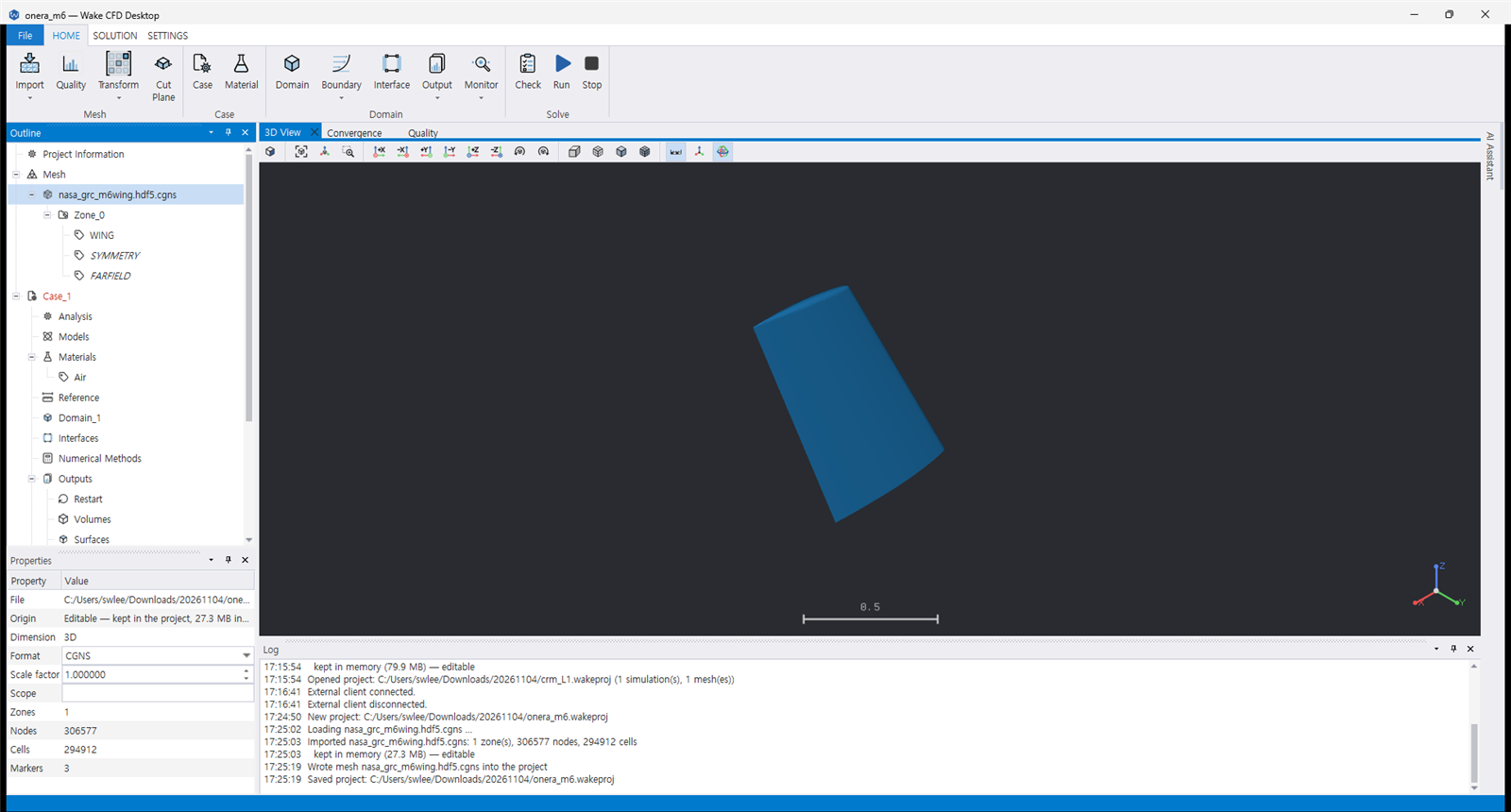
3.1 Planned workflow
- Create a New Project and import the ONERA M6 mesh.
- Create a 3D case and configure the Euler physical model and farfield condition.
- Connect the
WING,FARFIELD, andSYMMETRYmarkers to boundary conditions. - Configure Output and Monitoring, then select the 3D solver.
- Run the case and review the history and ParaView results.
Note
GUI validation pending
This sequence is a draft based on the current Desktop design and CLI example. Actual screens, commands, and save locations will be finalized after GUI end-to-end validation. For now, run the same example through the CLI quickstart.